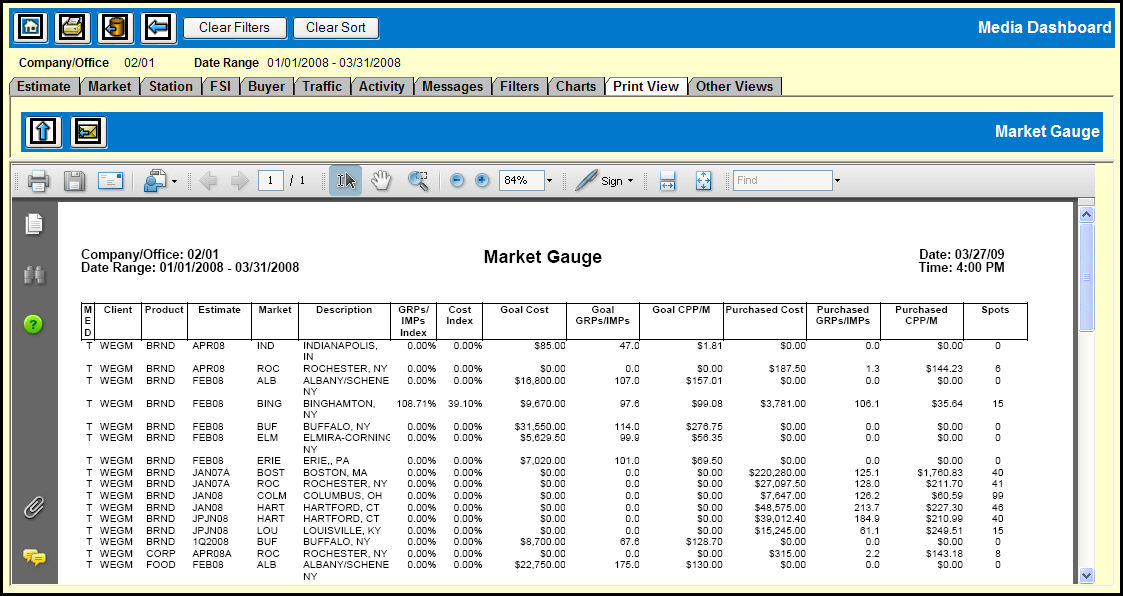
When you click the Print icon at the top of the Media Dashboard, the data on the tab that you have open will be converted to a PDF file and displayed on the Print View tab, which displays an embedded Adobe Reader window that allows you to preview and print your Media Dashboard report.
Use the blue Maximize icon to see a full screen version of your Media Dashboard report.
Use the E-mail icon to e-mail the Media Dashboard report to other users.
Click the Print button in the Adobe Reader window to print your report.