Change Tran/Work Codes in WIP Prompt
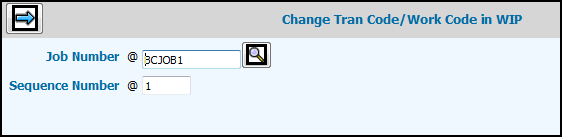
Key the Job Number whose transaction code or work code you want to change.
Key the Sequence Number of the transaction you want to change. This is the sequence number attached to the charge on the specified job and which can be found on various reports.
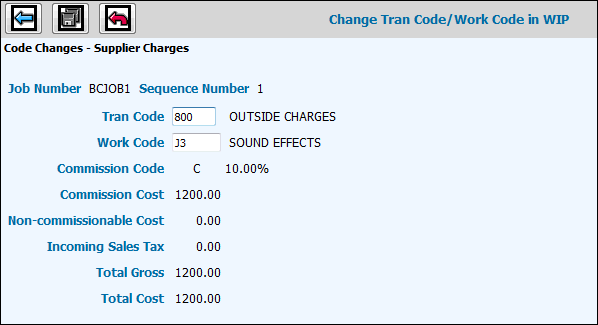
Click the Next icon to display the Entry Window showing the current values on the specified job for verification.
To change the current transaction code assigned to the job, key over this code with the new code.
To change the current work function code assigned to the job, key over this code with the new code.
The current commission code assigned to the job displays and cannot be changed.
The current commissionable cost of the job displays and cannot be changed.
The current non-commissionable cost of the job displays and cannot be changed.
The incoming sales tax of the job displays and cannot be changed.
The current total gross amount of the job displays and cannot be changed.
The current total cost of the job displays.
Click the Reset icon to restore the original values for the specified job unless you have already saved changes.
Click the Save icon to update the new codes keyed for the job.