Select Accounts Receivable|Inquiries|A/R Statement Format Inquiry.
A/R Statement Format Inquiry Prompt
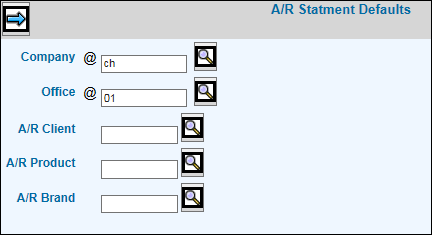
Accept the default or key the Company/Office for which you want to view Client Statements. To view Client Statements at a Client/Product/Brand level, key applicable codes in the Client/Product/Brand fields; otherwise, leave these fields blank.
Click the Next icon  to display
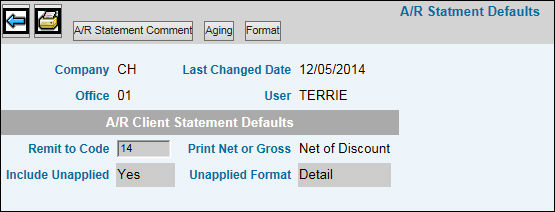
the Maintain A/R Statement Defaults Window.
to display
the Maintain A/R Statement Defaults Window.
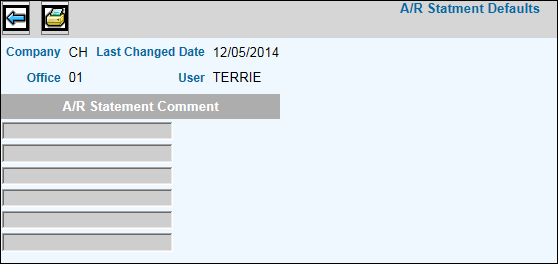
Click <A/R Statement Comments> to view comments applied to statements.
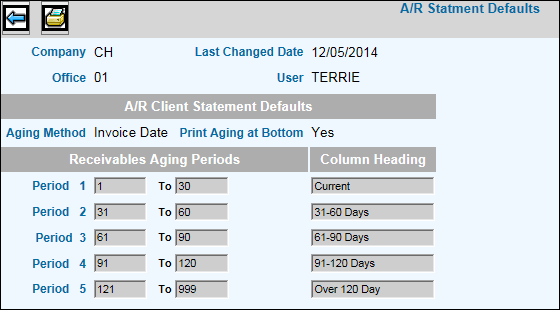
Click <Aging> to view statement aging.
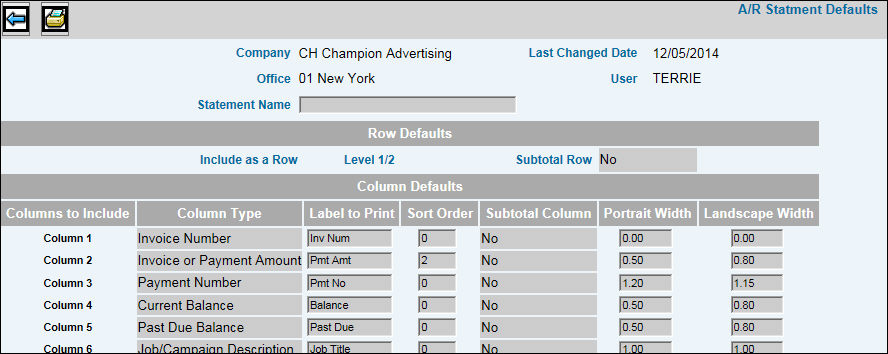
Click <Format> to view the statement format.
To print statement defaults, click the Print icon
 .
.