If you want to include or exclude specific Network / Syndicators, you can click the Incl/Excl Net/Syn button in the Automatic Rotation window.
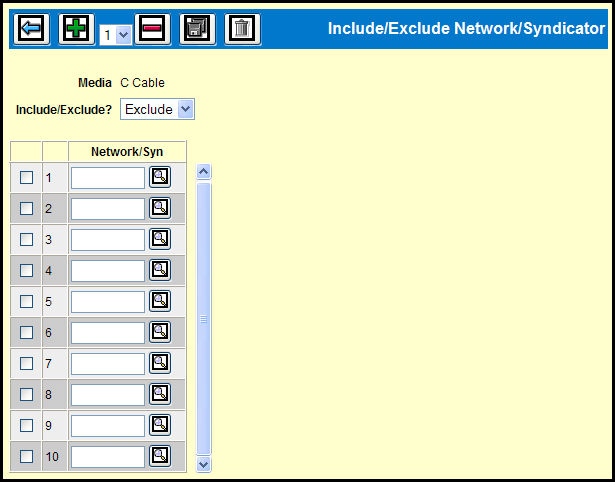
Include/Exclude Network/Syndicator Window
Select either Include or Exclude from the Include/Exclude? drop down list.
Key or Lookup as many Network/Syn codes as you wish.
Select the check box adjacent to the rows.
Click the Save icon.