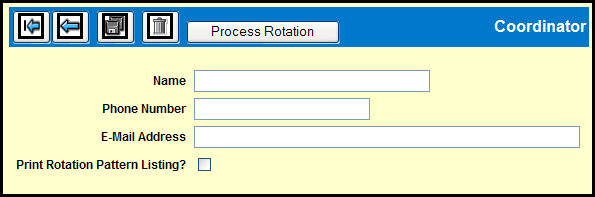
From the Coordinator Window you can specify/confirm contact information and initiate the automatic rotation process.
Confirm or change the Name, Phone Number and E-mail Address.
Click the Save icon to save any changes
Click the Delete icon to delete the Coordinator information.
Select the Print Rotation Pattern Listing? check box to print the rotation pattern.
Click the Prompt icon to go back to the prompt window.
Click the Back icon to go back to the Automatic Rotation window.
Click the Process Rotation button to complete the processing operation.