This example message shows comments at both the Market and Station levels.
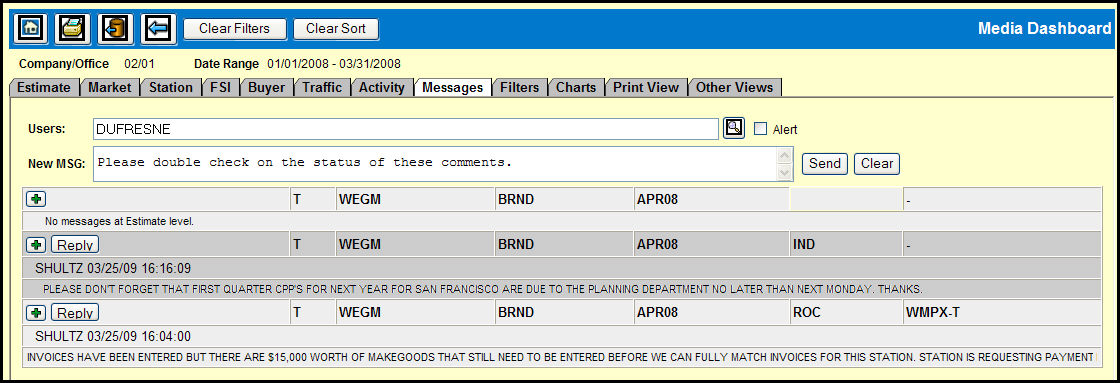
When you click the gauge icon in the MSG column on the Estimate, Market, or Station gauges, data from that row along with any comments are sent to the Messages tab and attached to a new message.
Key in a user name (or a list of users separated by commas) in the Users filed.
Type a message in the New MSG field.
To send a message and post on the Bulletin Board, click the Plus button.
To send a message along with an alert and post on the Bulletin Board, select the Alert check box and click the Plus button.
To send a message without posting on the Bulletin Board, click the Send button.
To send a message along with an alert without posting on the Bulletin Board, select the Alert check box and click the Send button.