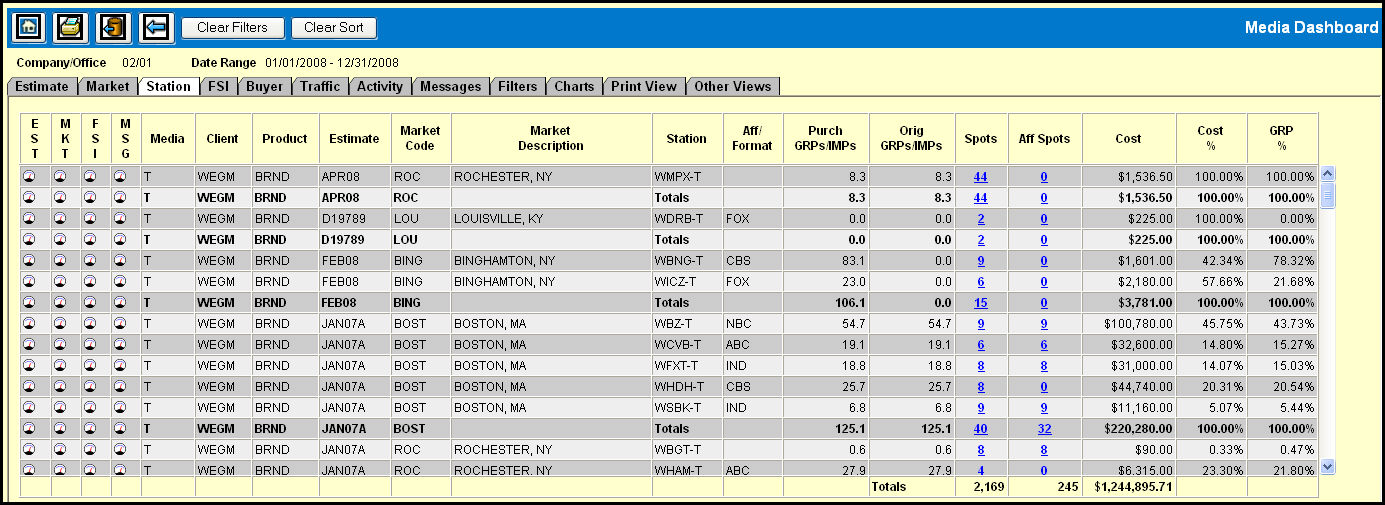
The Station Gauge view shows you a high level view of statistics summarized for each station, totaled for each market and estimate. You can then drill down in specific areas to obtain more detailed information.
The first four columns on the Market Gauge allow you to perform cross gauge status tracking, which will provide you with more targeted statistical information. To access this information, just click the gauge icon in any of the following columns for the row that you want to target.
FSI (Financial Status Inquiry Gauge)
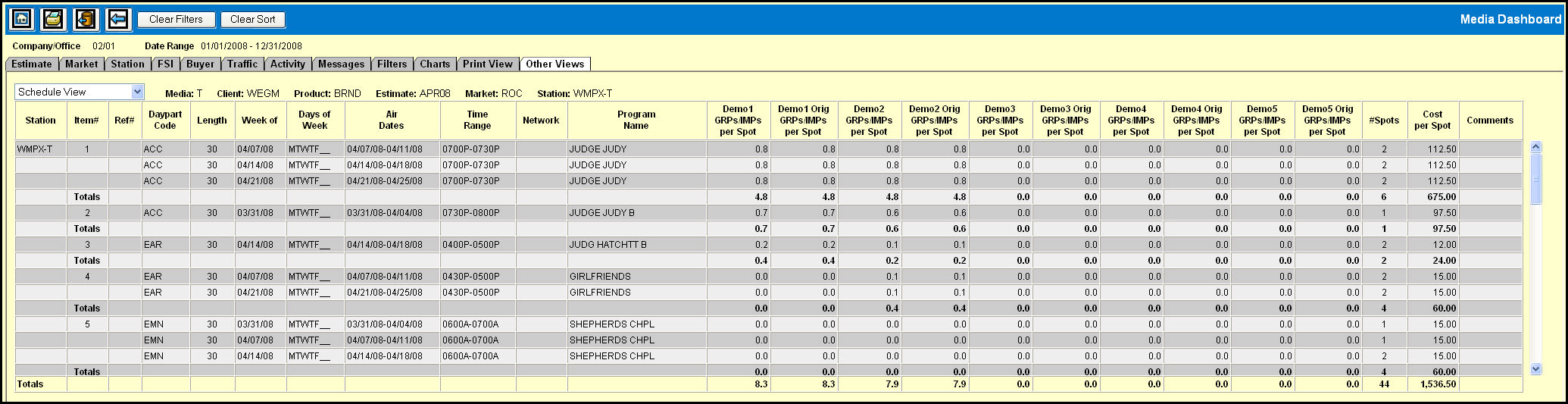
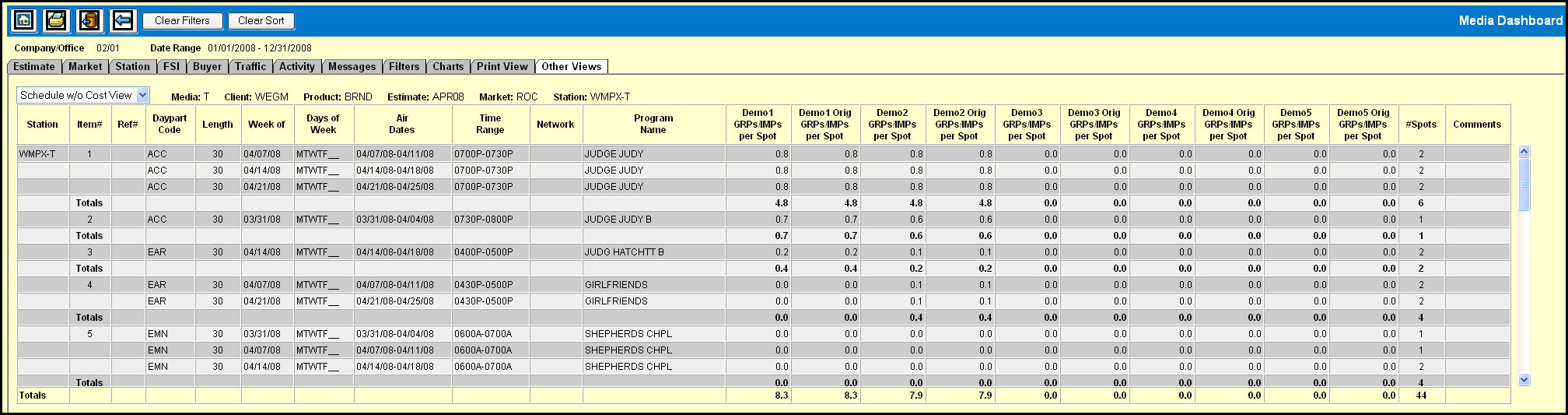
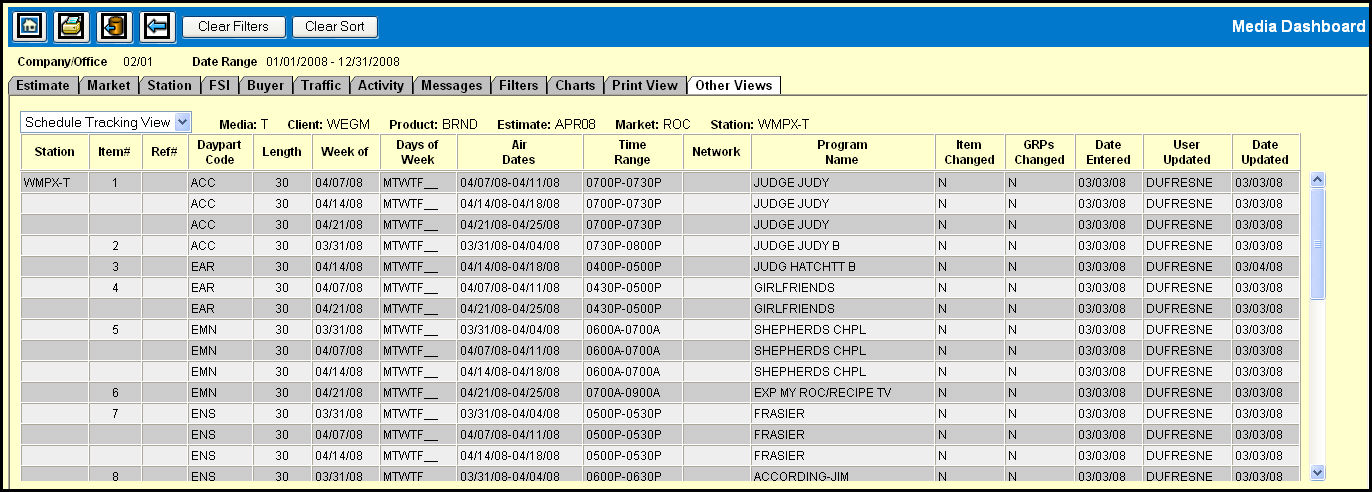
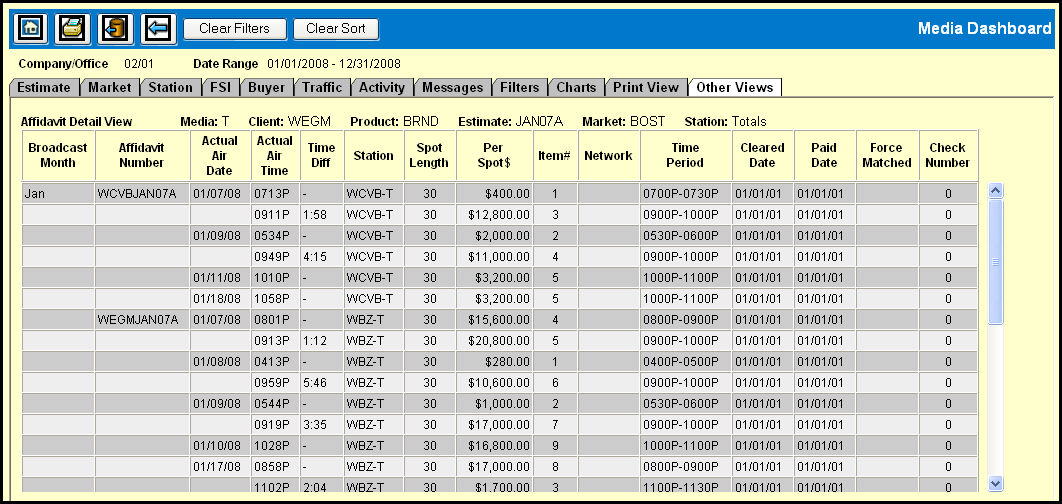
The Station Gauge provides you with the ability to drill down on key data to view more specific details. You can click on the data in the following columns to access the associated view, which is then displayed on the Other Views tab.
Spots - Schedule Views
Aff Spots - Affidavit Detail View