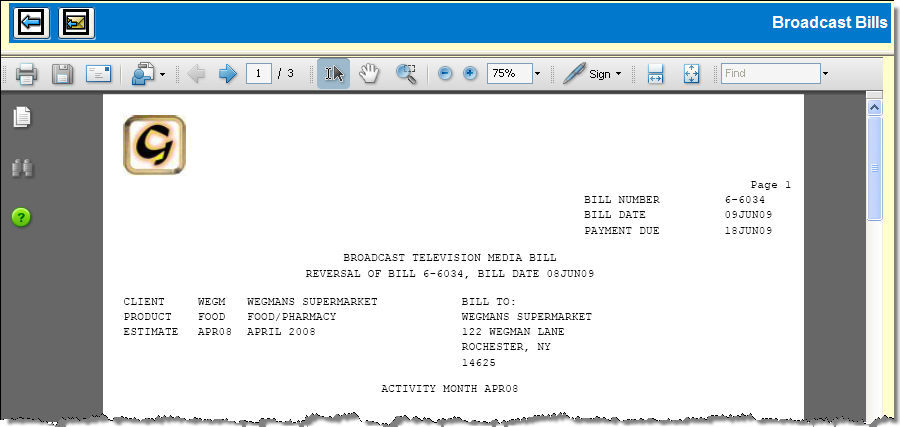
If you chose to create a PDF, you'll see the Broadcast Bills window with your bill displayed in an embedded Adobe Reader window.
At this point, you should immediately do one of the following:
Click the Save icon in the Adobe Reader window to save a copy of the bill to your computer.
Click the E-mail icon in the Adobe Reader window to send a copy of the bill as an attachment.
 If you don't save or e-mail the Bill Reversal PDF file at this time, you will be unable to access or view the PDF again if the bill you are reversing is a Special Amount bill. However, if the bill is a Regular bill, you can use the Bill Reprint option.